Q: Who do I contact if I need additional assistance?
A: After reviewing the FAQ, if you still need additional assistance, please submit a ticket through www.Headcountmgmt.com/help. This is the fastest and most efficient way to reach our team.
Q: How do I check my sick/PTO balance?
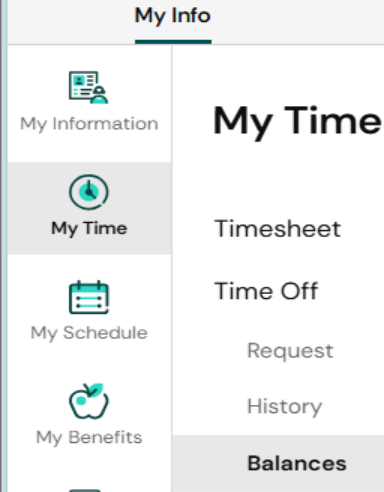
A: To view your current sick and PTO totals, Navigate to Main Menu → My Time → Time Off → Balances
Q: How can I access my past paystubs?
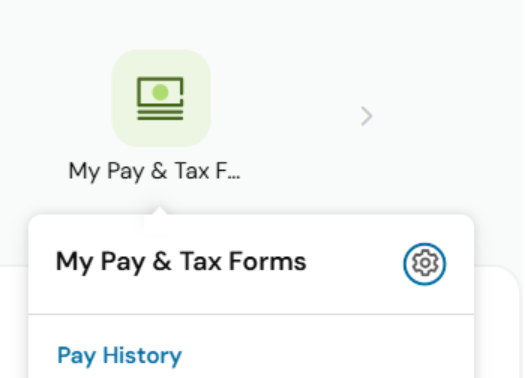
A: On your main page navigate to “My Pay & Tax Forms” - Pay History
Q: When are timesheets due?
A: Weekly Employees: Timesheets are due by end of day every Saturday.
Biweekly Employees: Timesheets only need to be submitted during your active payroll week, also by end of day Saturday.
Q: How do I submit my timesheet for approval?
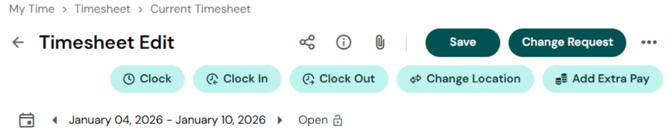
A: Navigate to My Time → Timesheet → Current Timesheet. Select the three dots in the top‑right corner and click Submit.
Here is a video as well https://share.vidyard.com/watch/dMwf7GCS3hjHX8sVQhZ1W7

Q: What if I need to make corrections to my timesheet?
A: Navigate to My Time → Timesheet → Current Timesheet and click the “Change Request” button in the top right corner.
Q: How do I request time off?
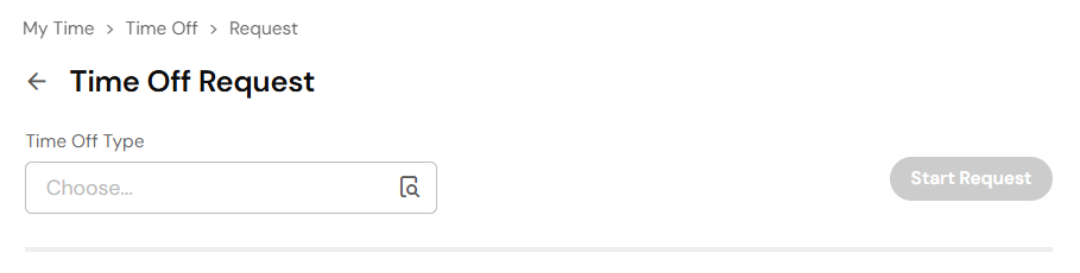
A: Navigate to My Time → Time Off → Request