
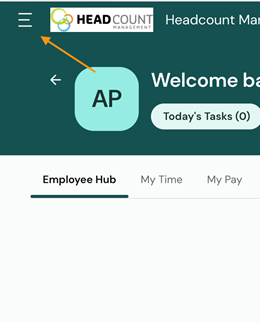
- From the top-left menu, open the navigation panel.
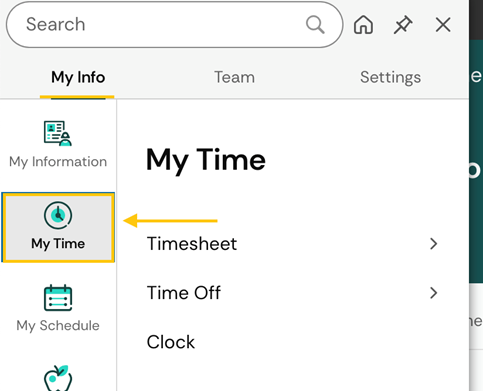
- Under My Info select My Time from the left-side menu.
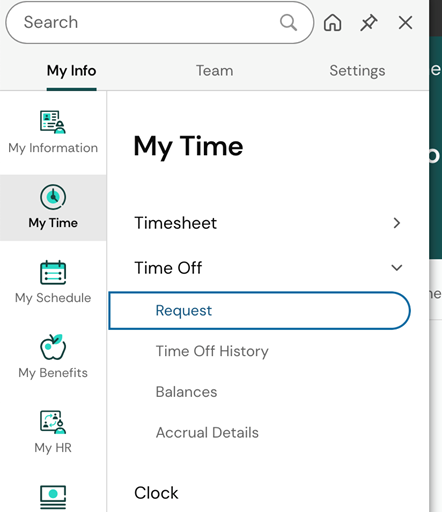
- Expand Time Off by clicking the arrow and select Request
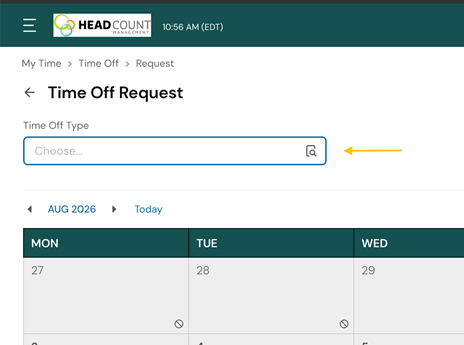
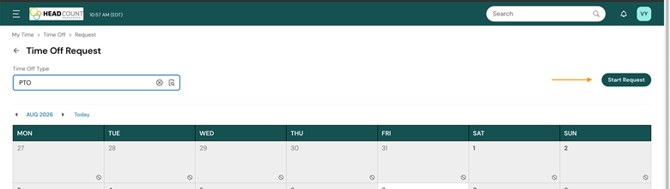
- Select Time Off Type.
- Select Start Request.
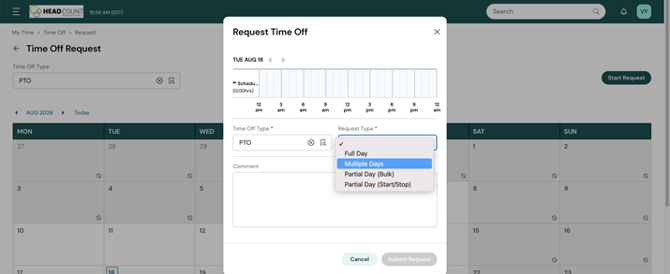
- If the request is for only one day, select Full Day from the Request Type dropdown. If the request is for more than one day, select Multiple Days.
- Enter the dates, select the hours per day, and finally click Submit Request for approval.
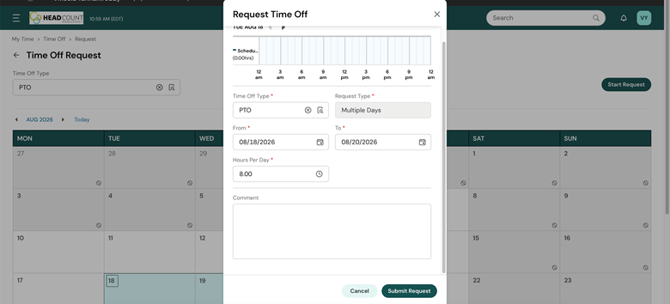
Your request is now pending approval.
Navigation Path:
☰ Menu → My Time > Time Off > Request